
Build your rig in chat.
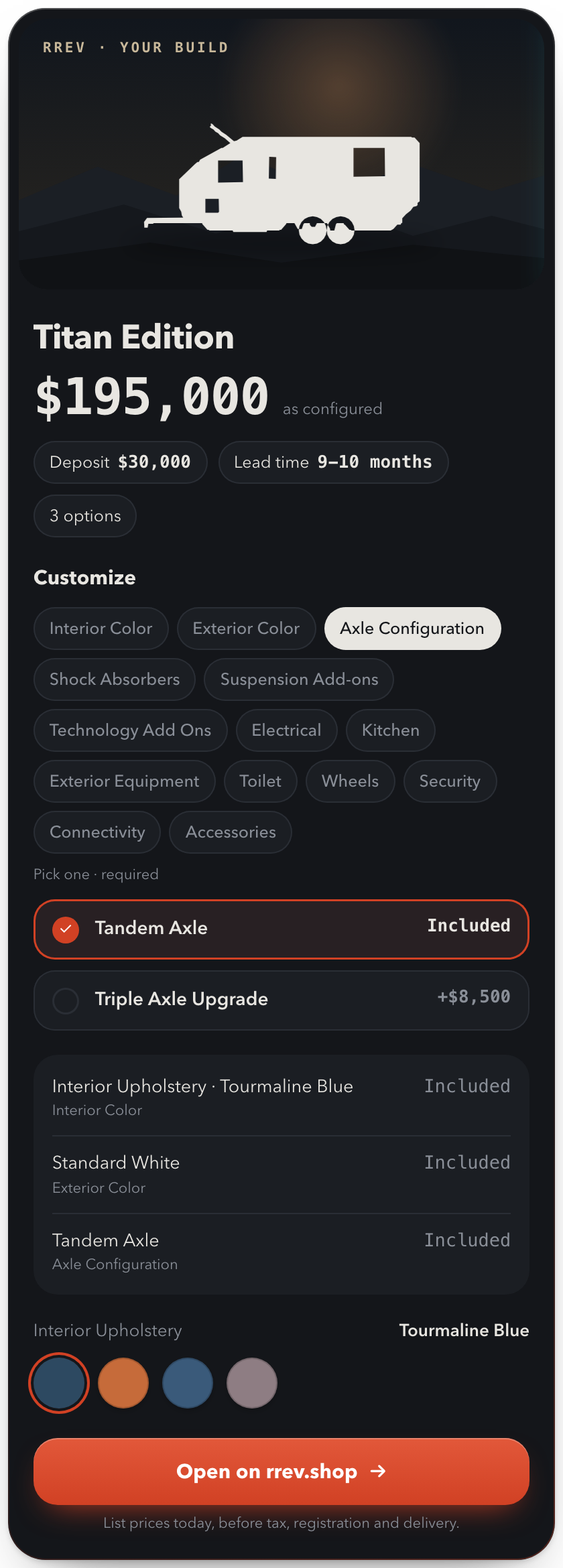
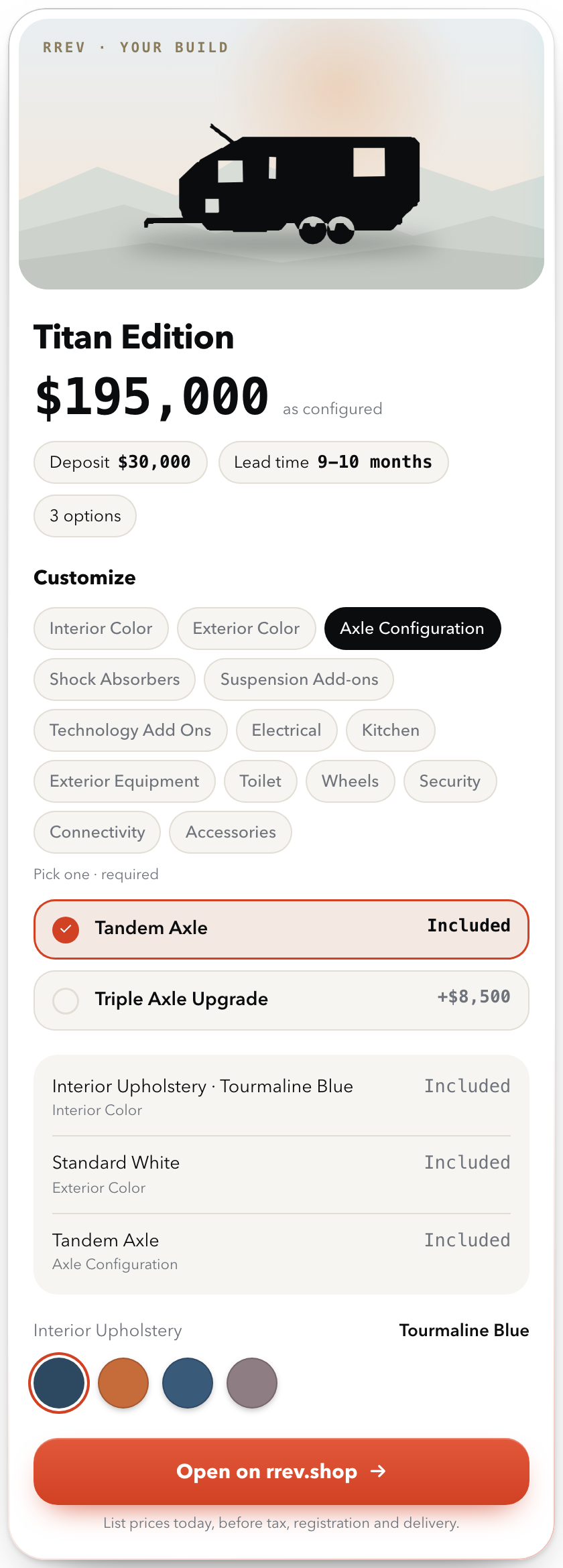
Add RREV to Claude or ChatGPT. Ask for a rig, change options right in the card, and watch the price follow. When it’s right, open that exact build on rrev.shop.
https://www.rrev.shop/api/mcpPublic and read-only. No sign-in.
Add RREV in a minute.
Claude
- 01In Claude, open Customize, then Connectors.
- 02Select Add, then Add custom connector.
- 03Name it RREV and paste the server URL. Continue.
- 04Choose No sign in, then Add.
- 05In a new chat, turn on RREV from the tools menu.
Works on claude.ai, the desktop app and Cowork. On Team and Enterprise, an owner adds it under Organization settings first.
ChatGPT
- 01On ChatGPT on the web, open Plugins.
- 02Select the plus button, then Add custom MCP server.
- 03Name it RREV and paste the server URL under Connection. Choose no authentication.
- 04Read the risk warning, tick the box, then Create as a plugin.
- 05In a new chat, type @ and pick RREV.
Custom MCP servers are on ChatGPT Business, Enterprise and Edu, on the web. Your workspace admin may need to allow it.
Ask. Adjust. Open.
Ask for a rig
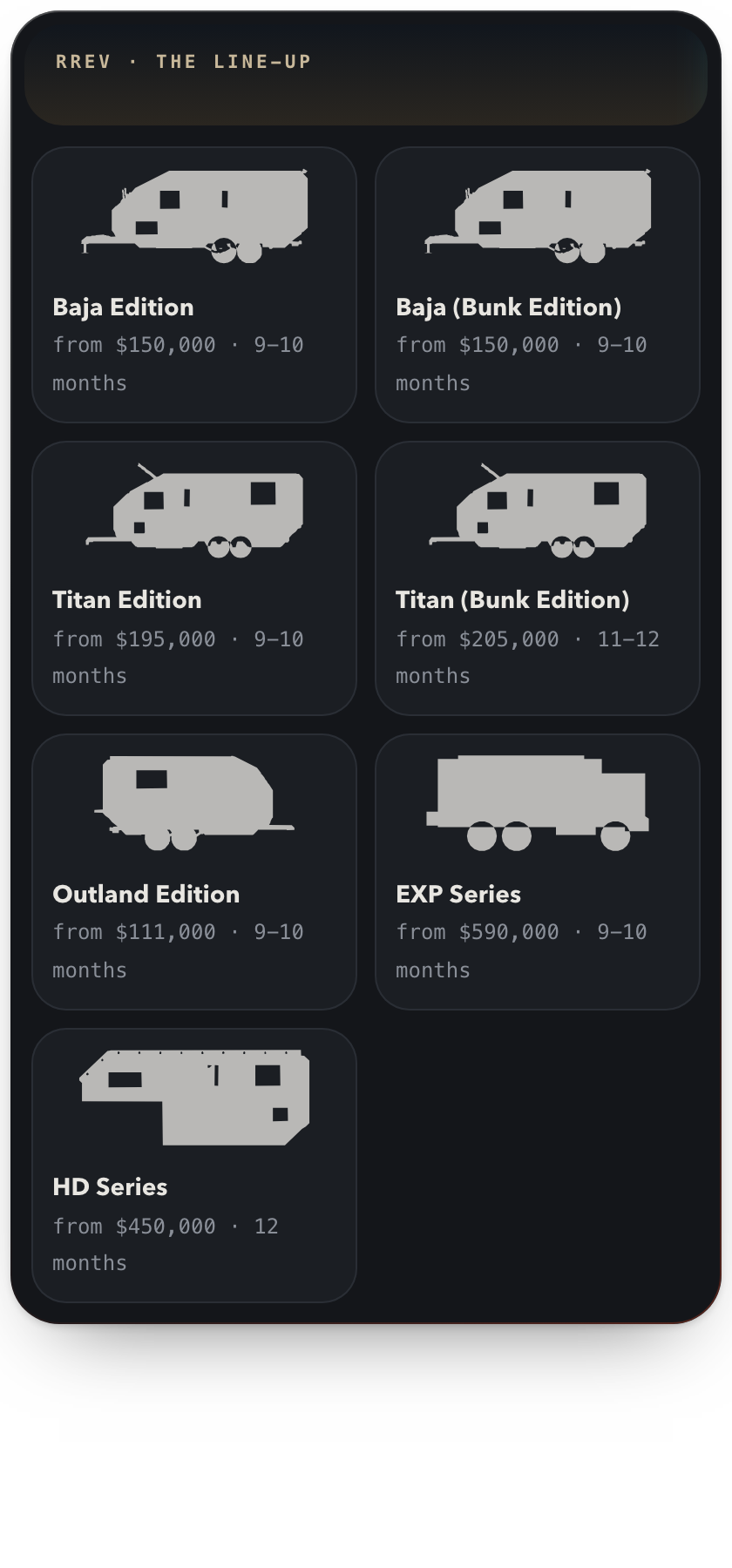
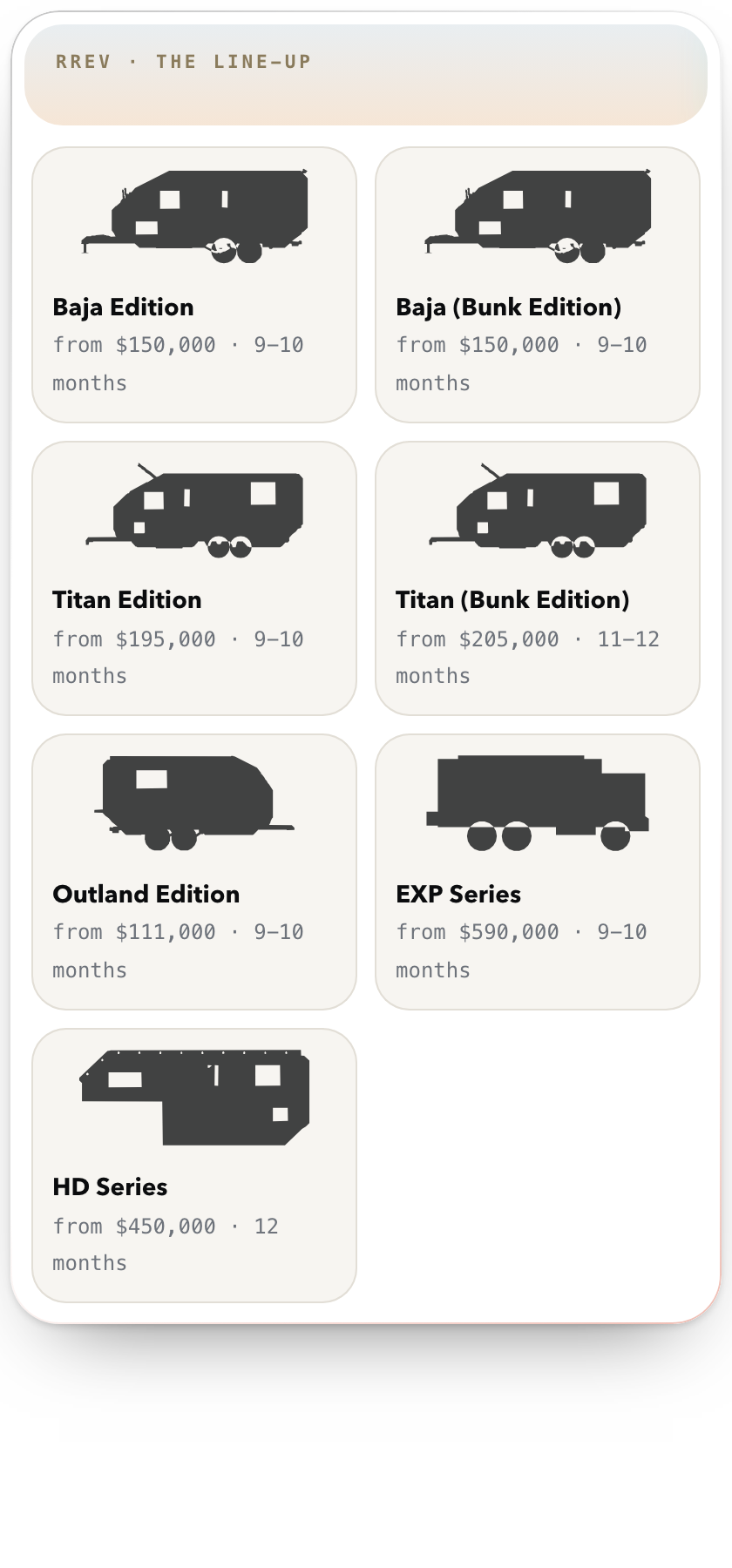
Ask for the line-up, or describe the build you want. The assistant shows the RREV card with live list prices and lead times.
Change it in the card
Pick colours, axles, power and connectivity from the option tabs. The price and deposit update as you go.
Open on rrev.shop
One tap loads that exact build on rrev.shop. Ordering, the deposit and the agreement happen there, never in chat.
- “Show me the RREV line-up.”
- “Build me a Titan Edition with a triple axle and Starlink.”
- “Price an Outland Edition in Olive Green with a 3000W inverter.”
- “What options can I add to the Baja Edition?”
Good to know.
- Is it the real configurator?
- Yes. Prices, options and lead times come live from rrev.shop, the same source as the configurator. The card shows list prices before tax, registration and delivery.
- Can I order in chat?
- No. Ordering, the deposit and the agreement happen only on rrev.shop. Open on rrev.shop loads the exact build you made in chat.
- Does it need an account?
- No. The RREV server is public and read-only. It can show the line-up, list options, price a build and make a build link. It cannot see or change anything in your account.
- Which plans can use it?
- Claude: custom connectors work on Free, Pro, Max, Team and Enterprise (Free allows one; on Team and Enterprise an owner adds it first). ChatGPT: custom MCP servers are on Business, Enterprise and Edu, on the web, subject to workspace permissions.